VPS.org — Powerful Cloud VPS Hosting starting at $2.50/mo. 99.9% Uptime, SSD Storage, Root Access.
Drop your image here,
like it burns too much

Edit images with AI

It's easy, upload your image and tell the AI what change you want.

Upload your image

or

Drag and drop your image
Example: replace the sky with a golden sunset, keep the mountains.
Try an edit:
Need precise edits? Try the inpainting tool. Open inpaint
Optional settings for advanced edits.
Tell the AI if you want to replace something in your image based on your prompt above
Things AI will exclude, like: hair, glasses, trees

** Your images will be deleted in 24 hours

0%
We are uploading your image...

Swap backgrounds, remove clutter, change lighting.

Free: 1 edit per hour.

One free edit per hour to test your best ideas.

Pro unlocks unlimited edits, upscales, and priority queue.

Pro unlocks unlimited edits and priority queues.

See pricing →

Before and after

Short prompts, dramatic edits.
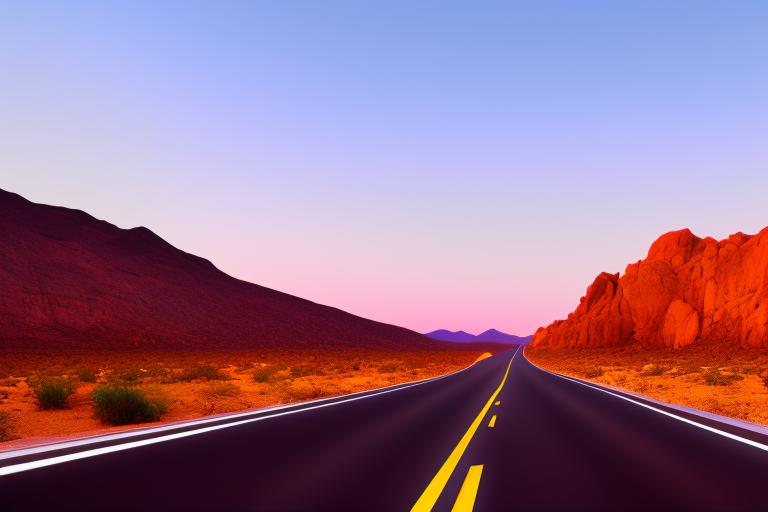
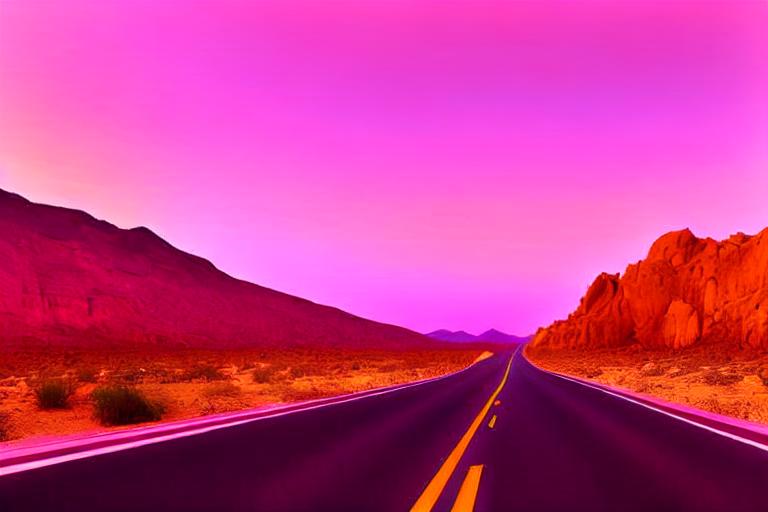
Before edit After edit
Replace the background with a modern studio. Keep the subject sharp.
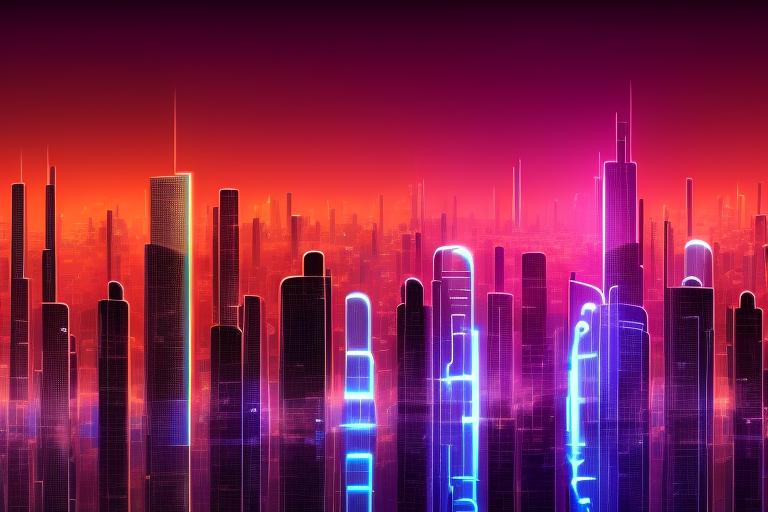
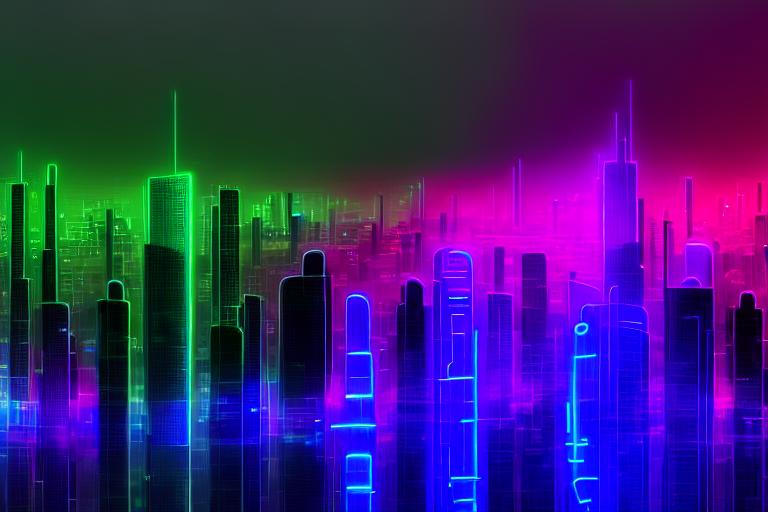
Before edit After edit
Turn the lighting into golden hour, boost warm tones.

Ready to edit?

Try a free edit

How to edit a photo with AI

Describe a change in plain English and let AI apply it.

1

Upload your image

Add the photo you want to change.

2

Describe the edit

Type what you want in plain language — “add a sunset sky”, “make it look like winter”, “change the shirt to red”.

3

Generate and download

AI applies the edit and you download the result. Refine the prompt and try again anytime.

Use it via the API

Run prompt-based edits programmatically through our image-editing API.

curl -X POST "https://api.imageeditor.ai/v1/edit-image/" \
  -H "Authorization: Bearer YOUR_API_KEY" \
  -F "files=@photo.jpg" \
  -F "terms=Add a dramatic sunset sky"

# Response: {"uuid": "abc123", "domain": "https://imageeditor.ai"}
# Poll for the finished result:
curl -X POST "https://api.imageeditor.ai/v1/results/" \
  -H "Authorization: Bearer YOUR_API_KEY" \
  -F "uuid=abc123"

Grab an API key on the developers page, then see the full API docs for every parameter.

Frequently asked questions

What can AI edit do?

It applies changes you describe in words — swapping skies, changing seasons, adjusting colors, adding or altering elements and more.

How do I write a good prompt?

Be specific and concrete. Say exactly what to change and how, e.g. “replace the cloudy sky with a clear blue sky”.

Why didn't it follow my prompt exactly?

AI editing is interpretive. Try rephrasing, being more specific, or running it again — small prompt changes can make a big difference.

Will the rest of the photo stay the same?

It aims to keep everything except what you asked to change, though larger edits can affect nearby areas.

Is AI edit free?

There's a free daily allowance. Pro unlocks unlimited edits and priority processing.

Which image formats can I edit?

JPG, PNG and WebP are all supported as the source image for an AI edit.

Is my uploaded image private?

Your source image is used only for the edit you requested and is never shared publicly.

Edit any photo with words

Describe a change and let AI do it. Try it free, or go Pro for unlimited edits.

See Pro pricing Browse all tools