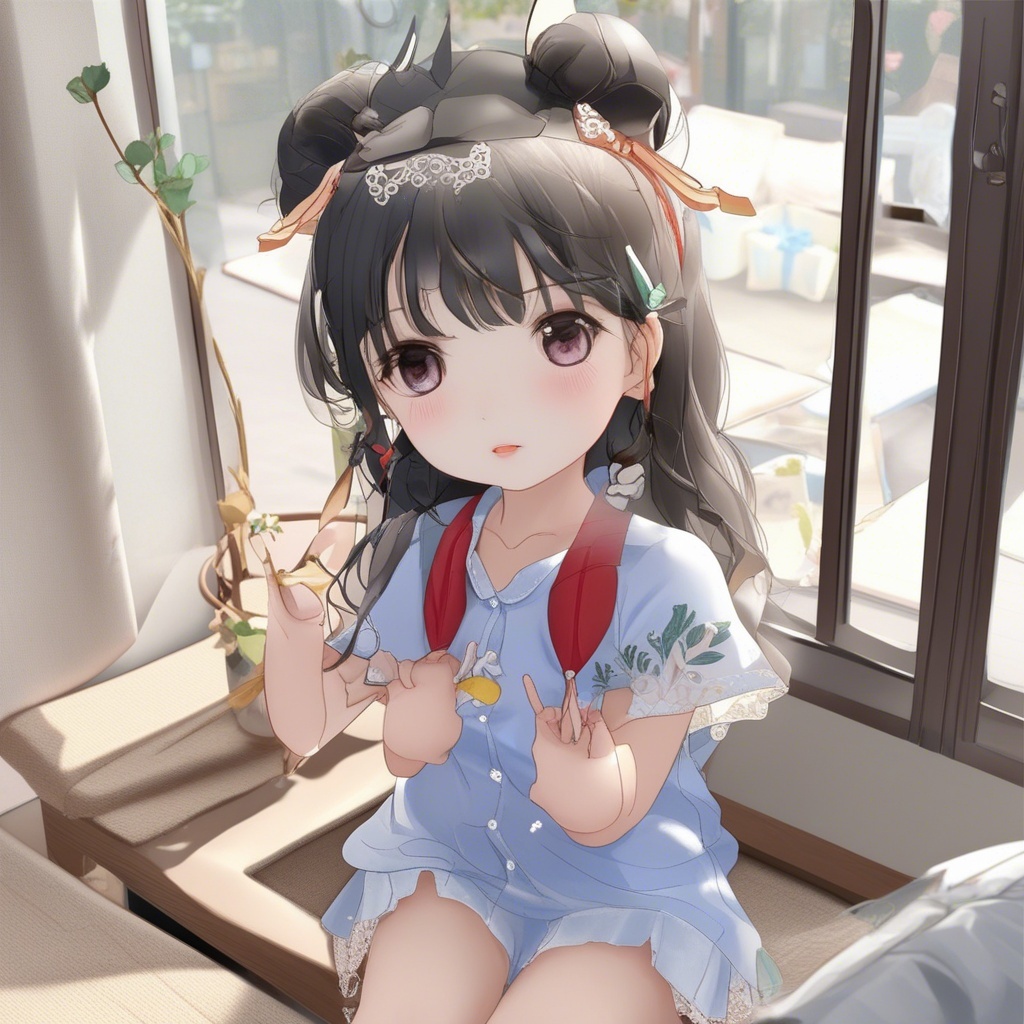
Generate Photorealistic Portraits with AI
Photorealistic AI Portraits
AI image generators can now produce portraits that are nearly indistinguishable from real photographs. This guide covers the techniques and prompts needed to create stunning, lifelike portraits for any purpose.
Essential Prompt Elements
Photorealistic portraits require specific technical details in your prompts to achieve professional results:
- Camera settings: "85mm lens, f/1.4, shallow depth of field"
- Lighting: "studio lighting, Rembrandt lighting, golden hour, soft box"
- Quality markers: "8K, ultra detailed, raw photo, film grain"
Best Models for Realism
The RealVisXL model is specifically trained for photorealistic output. Juggernaut XL also excels at realistic portraits with rich detail. For the highest quality, FLUX Dev produces exceptional results with more processing time.
Common Mistakes to Avoid
- Over-describing facial features can create unnatural results
- Avoid mixing photorealistic keywords with artistic style keywords
- Keep backgrounds simple unless they serve the composition
- Don't use too many quality modifiers - pick 2-3 that work well together
How It Works
Select a photorealistic model
Choose RealVisXL or FLUX Dev for the most lifelike results. These models are trained specifically on photographic data.
Describe with camera terminology
Use photography terms in your prompt: lens type, aperture, lighting setup. Example: portrait photo, 85mm lens, soft studio lighting.
Download in high resolution
Generate your portrait and use the upscale tool to enhance resolution for printing or professional use.
Examples