Generate Retro Pixel Art with AI
Pixel Art Meets AI
Pixel art has seen a massive revival thanks to indie games and retro aesthetics. AI can now generate pixel art that captures the charm of classic 8-bit and 16-bit visuals while adding modern detail and creativity.
Prompt Techniques for Pixel Art
Getting clean pixel art from AI requires specific keywords and careful prompting:
- Core keywords: "pixel art, 16-bit, retro game style, limited color palette"
- For sprites: "pixel art character sprite, 32x32, clean pixels, no anti-aliasing"
- For scenes: "pixel art landscape, side-scrolling game background, 16-bit era"
Tips for Clean Results
- Specify the pixel density: 8-bit, 16-bit, or 32-bit
- Request a limited color palette for authentic retro feel
- Keep compositions simple - pixel art works best with clear subjects
- Use the term 'no anti-aliasing' for crisp pixel edges
How It Works
1
Choose your pixel style
Decide on the resolution style: 8-bit for classic NES look, 16-bit for SNES style, or 32-bit for more detailed sprites.
2
Write a focused prompt
Keep it simple: 'pixel art [subject], 16-bit, limited color palette, retro game style'. Avoid complex compositions.
3
Refine and export
Generate variations and pick the cleanest result. Download at the original resolution to preserve pixel sharpness.
Examples
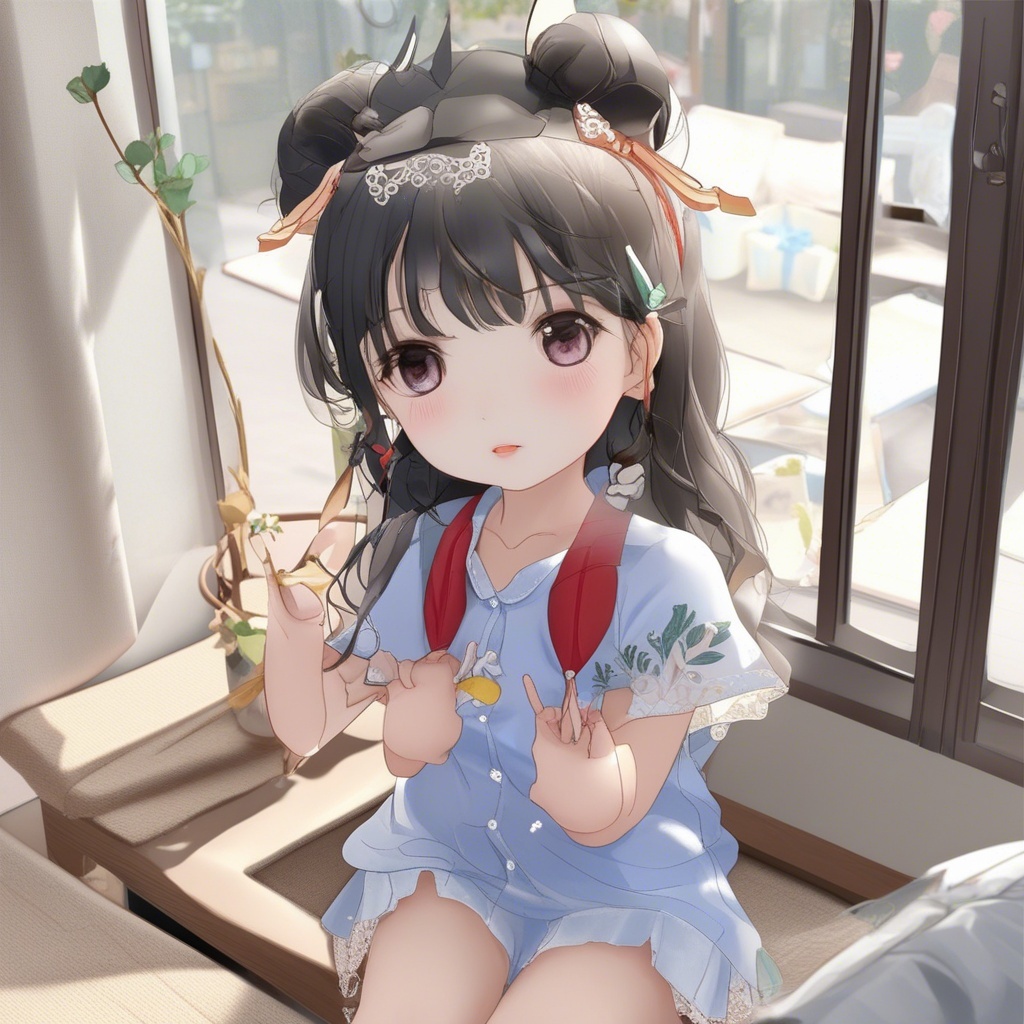


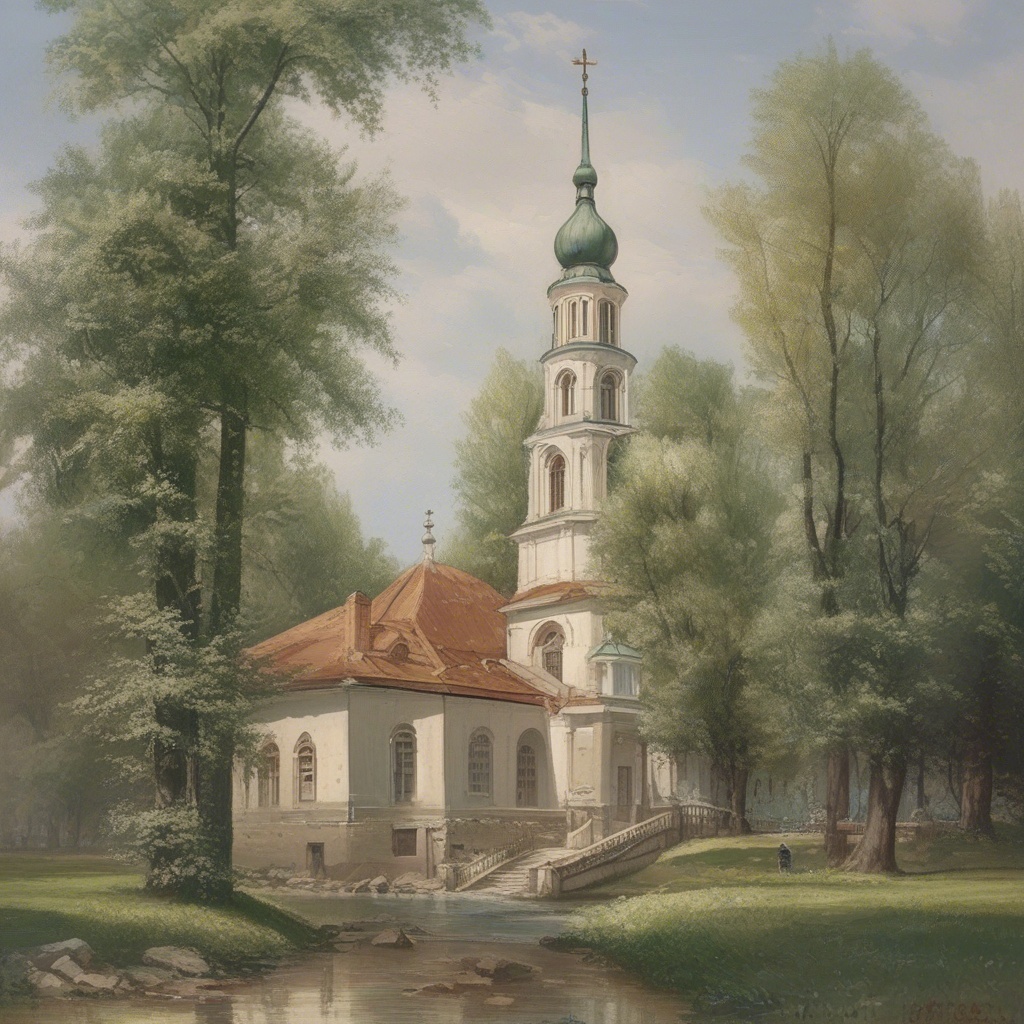


Frequently Asked Questions
Yes. AI models can create authentic-looking pixel art with clean edges and limited color palettes. Use specific pixel art keywords in your prompt for the best results.
Include terms like 'pixel art, 16-bit, retro game style, limited color palette, clean pixels'. Specify the subject clearly and keep compositions simple.
With an ImageEditor.AI Pro subscription, you get commercial usage rights for all generated images, including pixel art for games and apps.